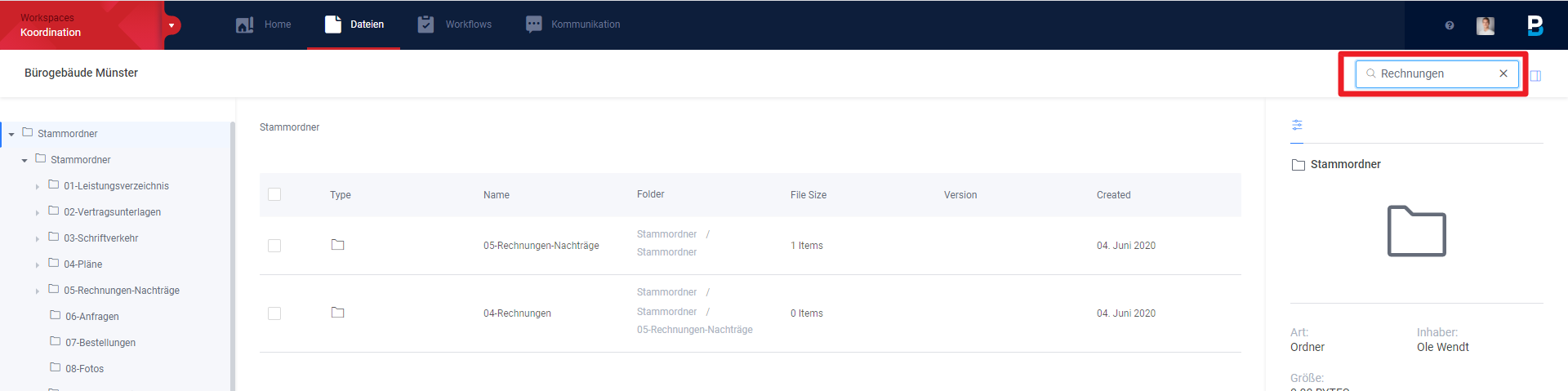
Using the free text search, you can very quickly find the information you are looking for within most functions.
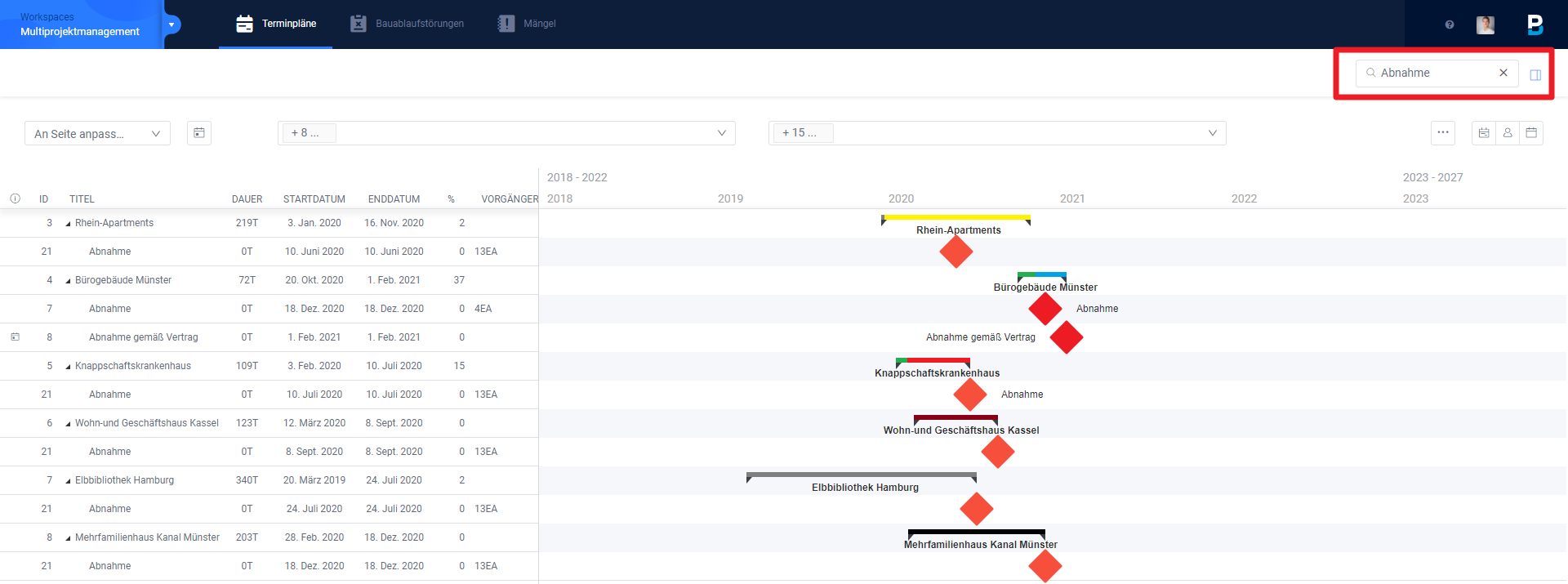
The search function can be found in the upper right corner below the selection of your user settings. As soon as you click on the loupe, you can enter the search term.

Examples:
You can use the search function to search for individual tasks in Multi Project Management:
Or you can search for a specific folder or file in the file manager: