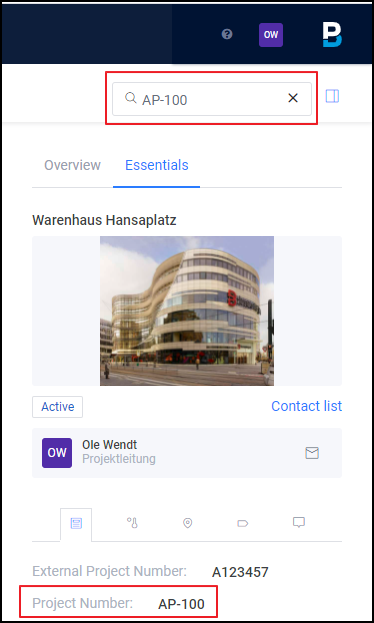
Have an overview of all your projects in the "Home" tab. You can also create new projects. A project selection gives you an overview of your project To Dos and the essential project data.
For the portal overview you do not need any special
permissions. The access to project data is restricted to
Project members only. New projects can be
can only be created by internal employees.
Soon you will be able to find the training video for the article here.
Click Path:
- Workspace Project > Home > Click on a project
- Under "Overview" you have a quick To Do overview.
- Under "Essentials" you have all relevant project master data at hand.
-
You can use the search function to filter your projects according to the following parameters:
-
Project name
-
Project number
-
Start and end date
-
Creator of the project
-