Project members can be added to your project teams to work on the project with you. This allows you to share information with project members according to access rights.
To be able to add a contacts as project members to your project,
you have to be a member of the project team "Project management".
Soon you will be able to find the training video for the article here.
Click Path:
- Workspace Project > Home > Select project > Teams
- Drag the relevant contacts from your contact list into the desired project team
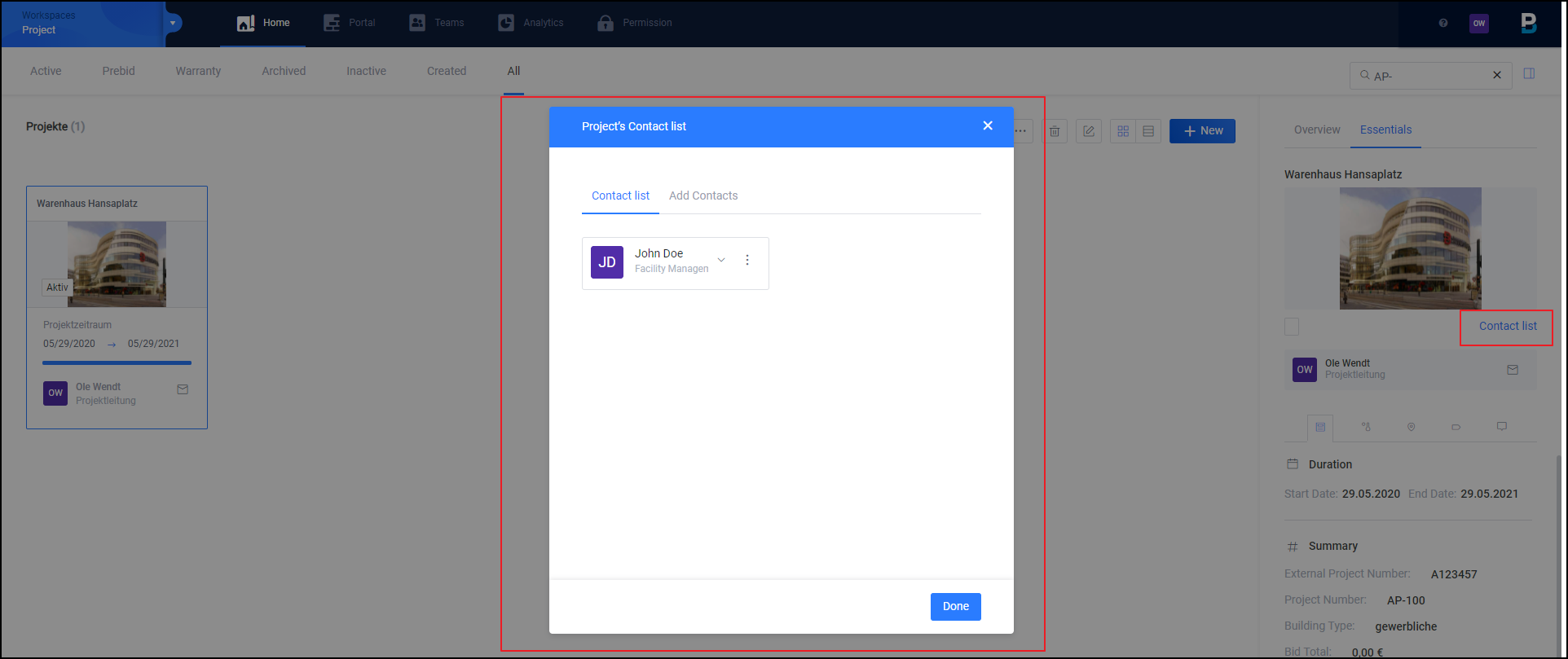
If you want to save only project-related contact data in the project, proceed as follows:
- Workspace project > Home > Click on project > Choose "Essentials" in the right navigation bar > Click "Contact list".
- There you can view your individually added contact data and add new ones.